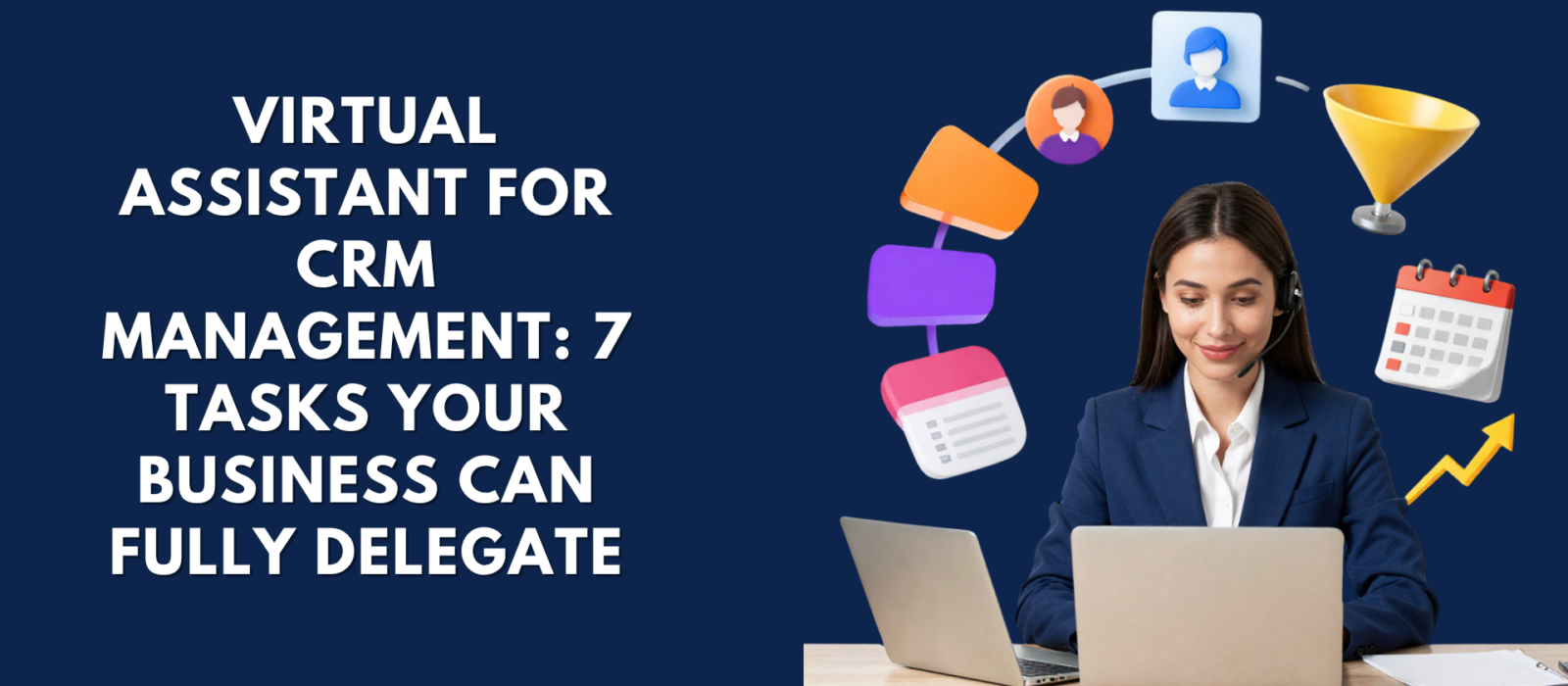
Key Takeaway: A virtual assistant for CRM management handles the daily operations your CRM needs to actually work — data entry, lead tracking, follow-up scheduling, cleanup, reporting, and more. Business owners who delegate these tasks stop losing leads to admin backlogs and gain a pipeline that moves consistently without requiring their constant involvement.
Let’s be direct: most business owners have a CRM they barely use.
You signed up for HubSpot, Zoho, or Pipedrive with the best intentions. Added some contacts. Maybe moved a lead or two through a pipeline stage. And then the actual work of running a business took over — and the CRM became another tab you avoid opening.
The problem isn’t the software. It’s that CRM management is exactly the kind of work that’s essential but never urgent — which means it gets pushed to tomorrow until tomorrow becomes never.
When your CRM goes unmanaged, the consequences are quiet but compounding: leads go cold, follow-ups fall through, duplicate contacts clutter your reports, and the pipeline your business depends on becomes unreliable. Most owners don’t realize how much revenue is slipping through until the pattern has already cost them.
Hiring a virtual assistant for CRM management breaks that cycle. A skilled VA handles the day-to-day operations of your CRM — keeping it clean, current, and working the way it was designed to — while you stay focused on the growth work only you can do.
Here are the seven tasks you can hand off immediately.
What CRM Management Tasks Can You Delegate to a Virtual Assistant?
1. Contact Management and Data Entry
Your CRM is only as useful as the data inside it. For most businesses, that data is incomplete, outdated, or inconsistent — because manually updating contact records is the first thing that gets skipped when the day gets busy.
A virtual assistant handles all of it: adding new leads, updating contact details, removing duplicates, standardizing field entries, and ensuring every record reflects the most current information available. The result is a contact database you can actually trust — one your team can act on immediately without second-guessing whether the phone number is still correct.
What your VA manages:
- Adding new leads and contacts from inbound forms, emails, or outreach lists
- Updating phone numbers, email addresses, titles, and company details
- Identifying and merging duplicate records before they corrupt your reporting
- Standardizing naming conventions, tag formats, and field entries across all contacts
- Maintaining list segmentation by lead status, industry, or pipeline stage
2. Lead Tracking and Pipeline Management
Leads don’t close themselves. They move through a pipeline — or they stall, because no one is managing the movement.
Your VA keeps every lead in the right stage, assigns statuses, updates notes after calls or meetings, and makes sure nothing stalls without a clear reason or a next step attached. For sales-driven businesses, this alone is often the difference between a healthy, moving pipeline and a graveyard of contacts that went cold months ago.
What your VA manages:
- Assigning and updating lead stages as conversations and deals progress
- Logging call notes, meeting outcomes, and next steps directly in the CRM
- Flagging stalled deals for your review when no movement has occurred
- Tracking response rates by lead source, campaign, or outreach channel
- Alerting you when high-priority leads require your personal attention
3. Follow-Up Scheduling and Outreach Coordination
Consistent follow-up is one of the highest-leverage activities in any sales process — and one of the easiest to let slip. Most business owners follow up once, maybe twice, and then move on when they don’t hear back. A virtual assistant eliminates that pattern entirely.
Your VA schedules follow-up reminders; sends templated or personalized outreach emails, tracks response status, and coordinates callbacks and appointments — so every lead gets the follow-through it earned without adding anything to your personal to-do list.
What your VA manages:
- Setting follow-up reminders at each stage of the pipeline
- Sending follow-up emails on your behalf or via your CRM’s built-in email tools
- Tracking open rates and reply status for each outreach thread
- Scheduling callbacks and appointments directly into your calendar
- Escalating warm leads to you when a response requires your personal judgment
4. CRM Cleanup and Database Deduplication
If your CRM has been running for more than a few months without regular maintenance, it’s likely messier than you realize. Duplicate contacts. Incomplete records. Old leads sitting in active pipeline stages. Tags that made sense six months ago and now mean nothing to anyone on the team.
A virtual assistant performs regular audits and cleans your CRM systematically — merging duplicates, archiving dead leads, correcting incomplete records, and standardizing how data is entered going forward. According to Nucleus Research, time savings from productivity and process improvements account for 51% of total CRM ROI — and a clean, well-maintained database is the foundation that makes all of it possible.
What your VA manages:
- Identifying and merging duplicate contacts or company records
- Archiving inactive leads that have been unresponsive beyond a defined window
- Correcting incomplete or inconsistent field entries across your contact database
- Standardizing tag usage, contact categories, and pipeline stage labels
- Running scheduled quarterly or monthly cleanup audits to maintain data hygiene
5. Report Generation and Performance Tracking
CRM reports give you the clearest picture of what’s working in your sales process — but only if someone is actually pulling them and reviewing them on a regular cadence.
Your VA generates weekly or monthly reports on key performance metrics: lead volume, conversion rates, pipeline value, follow-up activity, and deal velocity. This data gets organized into clear summaries that give you exactly what you need to make decisions — without spending hours inside dashboards you don’t have time to learn.
What your VA manages:
- Pulling weekly pipeline snapshots and lead conversion rate summaries
- Tracking key metrics: new leads added, deals closed, and follow-ups completed
- Generating monthly performance reports for ownership or investor review
- Highlighting trends, performance drops, or anomalies that require your attention
- Maintaining a performance dashboard that updates on a consistent cadence
6. CRM Workflow and Automation Monitoring
Most CRM platforms — HubSpot, Zoho, Pipedrive, and Salesforce — include automation capabilities that can eliminate hours of repetitive work each week. The challenge is that automations break, drift, or go unmonitored, and no one notices until a lead falls through without a follow-up or a task fires at the wrong time.
A virtual assistant monitors your CRM workflows, checks that automations are firing correctly, flags issues when something misfires, and updates sequences when your sales process changes — so the backend of your CRM runs reliably without requiring your constant oversight.
What your VA manages:
- Monitoring automation workflows for errors, delays, or misfires
- Updating sequences when pipeline stages, messaging, or team members change
- Managing task assignment rules across your sales or admin team
- Setting up new automation rules as your business adds products, services, or roles
- Ensuring your CRM stays synced with connected tools (email, calendar, marketing platforms)
7. Customer Retention and Support Documentation
CRM management doesn’t stop at the sale. The way you document post-sale interactions — support conversations, renewal discussions, account notes — directly affects customer retention and the quality of service your team delivers over time.
Your VA logs customer service interactions, documents recurring concerns, and maintains a complete account history for every client. This gives anyone on your team the context they need to deliver consistent, personalized service without starting from scratch on every call.
What your VA manages:
- Logging post-sale communications and support interactions within the CRM
- Documenting recurring customer concerns or product feedback patterns
- Maintaining complete account histories for all active clients
- Flagging accounts showing potential churn signals for proactive outreach
- Preparing renewal summaries or upsell opportunities for your review
Which CRM Platforms Can a Virtual Assistant Manage?
One of the most common questions business owners ask before delegating their CRM is whether a VA will actually know their specific system.
The answer is yes. Experienced virtual assistants work across the most widely used CRM platforms for small and mid-sized businesses, including:
- HubSpot CRM — ideal for businesses running inbound marketing alongside their sales pipeline
- Zoho CRM — popular with SMEs looking for affordable, customizable workflow automation
- Pipedrive — preferred by sales-led teams that need clean visual pipeline management
- Salesforce — enterprise-grade but increasingly adopted by growing SMBs with complex pipelines
- Monday Sales CRM / Freshsales / Close CRM — niche platforms with strong task and communication integration
If you use a less common or custom-built CRM, a well-matched VA can be onboarded to your specific system with a basic walkthrough and a few documented processes — and most are fully functional within their first week.
How Much Time Are You Actually Losing to CRM Admin?
According to Salesforce’s State of Sales research, sales professionals spend only about 28% of their workweek actively selling — with the majority of their time consumed by administrative tasks, including CRM updates, data entry, call logging, and follow-up coordination.
For a business owner managing sales alongside operations, marketing, and client delivery, that number is almost always higher.
At your hourly effective rate, those hours add up quickly. And because CRM admin doesn’t generate revenue directly, it’s the first category of work that should move off your plate. A virtual assistant for CRM management recaptures that time — and because dedicated VAs typically operate at a fraction of the cost of an in-house admin, the return on the investment is often visible within the first month.
What to Look for When Hiring a VA for CRM Support
Not every virtual assistant is the right fit for CRM management. Before you bring someone on, here’s what to evaluate:
CRM platform familiarity — Ask whether they’ve worked in your specific CRM or a comparable one. Look for hands-on experience, not just self-reported familiarity. Most platforms have enough in common that an experienced CRM VA can transfer skills quickly.
Attention to detail — CRM work lives or dies on accuracy. One duplicate contact or misfiled lead stage can throw off your entire reporting picture. Ask candidates how they handle data quality and what checks they use.
Process orientation — The best CRM VAs don’t just follow instructions — they build and improve SOPs so the work stays consistent even as your business evolves. This is what separates a task-executor from a true operational asset.
Proactive communication habits — You need someone who flags issues without being asked, not someone who waits to be micromanaged. Look for VAs who report regularly and surface problems before they compound.
At Virtual Business Staffing, every VA we place is vetted against the specific skills your role requires — including CRM experience, platform familiarity, and communication style — before they’re ever introduced to you.
Ready to stop managing your CRM yourself?
Virtual Business Staffing matches you with a dedicated, vetted VA who can take over your CRM operations starting day one — clean data, consistent follow-ups, and a pipeline that actually moves.
Why Business Owners Trust Virtual Business Staffing for CRM Support
Most virtual assistant platforms hand you a pool of candidates and leave the matching to you. Virtual Business Staffing works differently.
We connect every client with a dedicated, industry-aligned virtual assistant matched to their specific tools, workflows, and business stage — not just whoever is available. Our vetting process evaluates CRM experience, communication style, and process orientation before we make a single introduction.
You don’t spend weeks training a generalist. You get a VA who understands what your CRM is supposed to do, knows how to maintain it, and starts contributing within days.
Our clients save an average of 70% on operational costs compared to hiring in-house — without compromising on quality, consistency, or reliability. And if your needs change or a placement isn’t the right fit, we don’t disappear. We stay involved until it is.
Curious about how delegation fits into a broader growth strategy? Read: 5 Bottlenecks Slowing Your Small Business Growth (And How a VA Fixes Them) and What to Delegate: 10 Tasks for a Remote Admin Assistant.
Frequently Asked Questions About Hiring a Virtual Assistant for CRM Management
Can a virtual assistant manage my CRM if I’m a solopreneur with a small contact list?
Yes — and it’s actually easier to build good CRM habits from a small list than to clean up a large one. A VA can set your system up correctly from the start so you’re ready to scale without a cleanup backlog waiting for you later.
How long does it take a VA to get up to speed with my CRM?
Most experienced CRM virtual assistants are fully functional within the first week, especially for common platforms like HubSpot, Zoho, or Pipedrive. A short onboarding walkthrough and a few documented processes are typically all they need to begin working independently.
What if my CRM data is already a mess?
That’s the most common starting point. A virtual assistant can run a full CRM audit and cleanup as an initial project — deduplicating records, standardizing fields, and archiving inactive contacts — before moving into ongoing management. Think of it as resetting the foundation before building the system.
Is it safe to give a VA access to my CRM?
Yes, with the right access controls in place. Most CRM platforms allow you to set role-based permission levels so your VA accesses only what the role requires. At Virtual Business Staffing, confidentiality agreements and data security protocols are standard elements of every placement.
What’s the difference between a CRM VA and a general administrative VA?
A general admin VA handles a broad mix of tasks across your business operations. A CRM-focused VA has specific expertise in sales pipeline management, data hygiene, and CRM workflows — making them more effective for businesses where the CRM is central to revenue generation and customer relationships.
Can a VA also help me set up or improve CRM automations?
Yes. Many experienced CRM virtual assistants are proficient in building and managing automation workflows — including lead assignment rules, follow-up sequences, and pipeline movement triggers — inside platforms like HubSpot, Zoho, and Salesforce.
Your CRM Should Be Working for You — Not Against You
If your CRM is sitting half-empty, running on stale data, or generating reminders that no one acts on — that’s not a CRM problem. That’s a bandwidth problem.
The software works. What’s missing is a dedicated person to run it.
A virtual assistant for CRM management handles the operational side of your pipeline so you can stay in front of the work that actually grows your business — the relationships, the strategy, the revenue-generating decisions that require your full attention.
Virtual Business Staffing matches you with a dedicated, vetted VA who’s ready to take over your CRM from day one.
No long ramp-up. No generalist guessing. Just a skilled professional who knows CRM systems, understands your workflow, and starts making your pipeline cleaner and more reliable from their first week.
→ Contact Virtual Business Staffing today
Want to learn more about what the right VA can do for your business? Explore:
- The Many Roles of a Virtual Assistant — a breakdown of VA specializations by function
- In-House Employee vs. Virtual Assistant: True Cost 2026 — a full cost comparison
- Scalable Virtual Staffing Solutions for Startups & SMBs — how to scale your VA support as you grow